Five Digital Tools to Spark Student Engagement
One of the most exciting parts about being an educator today is the growing access to digital tools that make learning fun! Whether you are assessing student progress, giving students voice and choice, or gamifying a lesson, these tools can offer opportunities to engage all learners.
1. Tinkercad- Design, Create, & Engineer
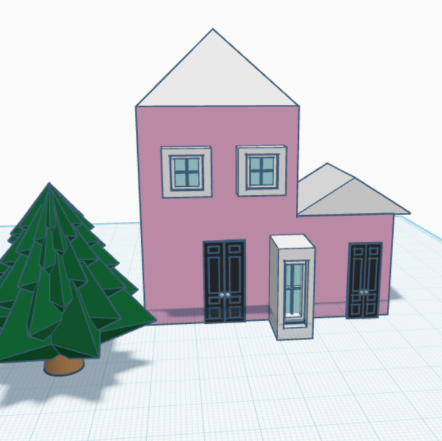
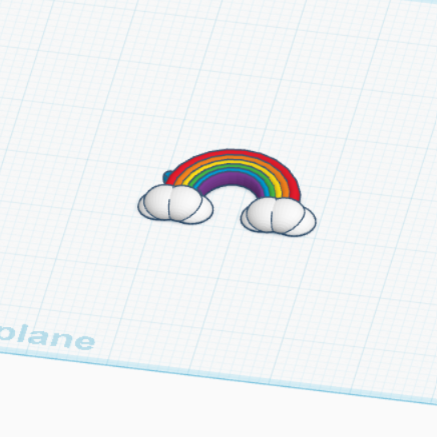
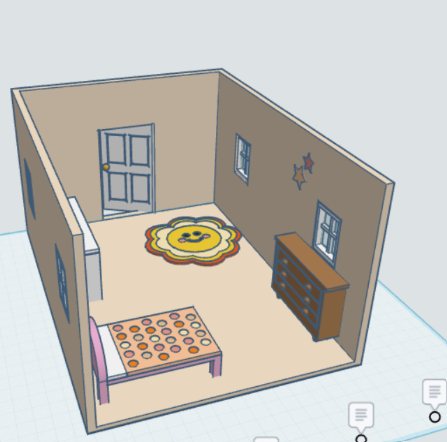
Tinkercad lets students explore 3D design in a kid-friendly interface. Its application provides valuable learning experiences with scale, measurement, and 3D shapes, making it a great tool for math and science integration. I use Tinkercad in my classes with my older students (3rd grade and up) to design their own objects to 3D print.
Project Idea: Have students design an artifact tied to an educational concept they are currently learning about. For example, in science, students could design a 3D model of plant or animal cell.
2. Blooket- Gamify Learning
Blooket is a platform for both collaborative and competitive learning games. It allows teachers to turn quiz questions into highly engaging student games that can make a great formative assessment.
Helpful Tip: Use this option as a reward station or fast finisher option.
3. Google My Maps- Real-World Learning
Google My Maps can let students explore the world-- literally. Users can create interactive maps with custom pins, descriptions, and links. The ability to tailor this platform to your local community makes this a great option for integrating into project-based learning. I used this with my students to map community libraries within Atlanta in one map layer and public transportation options available through Atlanta's transit authority (MARTA) in another map layer to identify areas that are not close to transportation access or public libraries. We used this information to determine where to place little free libraries that we built in class.
Project Idea: Have students create a map of local places tied to a book they are reading.
4. MAD-learn
MAD-learn lets students develop their own mobile app. They do not need to know how to code, which makes this a great tool for storytelling, problem-solving, and digital creation. I used this platform in my class to have students design an app that solves a community problem. We had apps for teaching people how to swim, event planning, and practicing reading strategies.
Project Idea: Tie app design with social emotional learning by having students develop a mindfulness app for kids.
5. Padlet
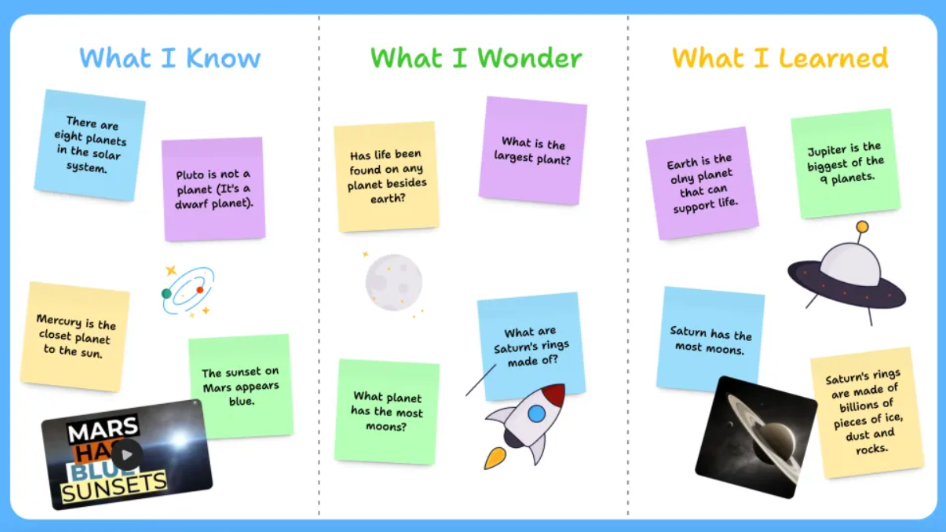
Padlet is a site that functions like a digital bulletin board. It can be really great as an exit ticket, question parking lot, reflection platform, or group brainstorming hub. This is a really flexible tool due to the many different ways you can use it for student engagement. I use Padlet to create a student hub where tutorials, site bookmarks, and class resources are housed.
Helpful Tip: Play around with different layouts (e.g. Shelf vs Timeline) depending on how you want to present the information to your students.
Final Thoughts
Engaging students doesn't always require the flashiest, recent release in the world of education. Students simply need meaningful tools with purposeful planning. Each of these platforms puts students in the driver's seat, whether they are creating, collaborating, or competing. Start small by trying one new tool and see how your learners light up.
